
You can share both your live and historical recordings in Caption.Ed, this allows others to access your transcript and audio, but not your notes, these remain private to you.
You can also toggle the sharing feature on and off, so you can revoke access if you no longer wish to share your session.
Open Caption.Ed
Go to your recordings on the left-hand side of your dashboard.
You can share directly from the recording page by clicking the share icon on historical recordings, alternatively you can click into your recording and click the share icon within the session. You will need to share from within your session for any ongoing recordings.
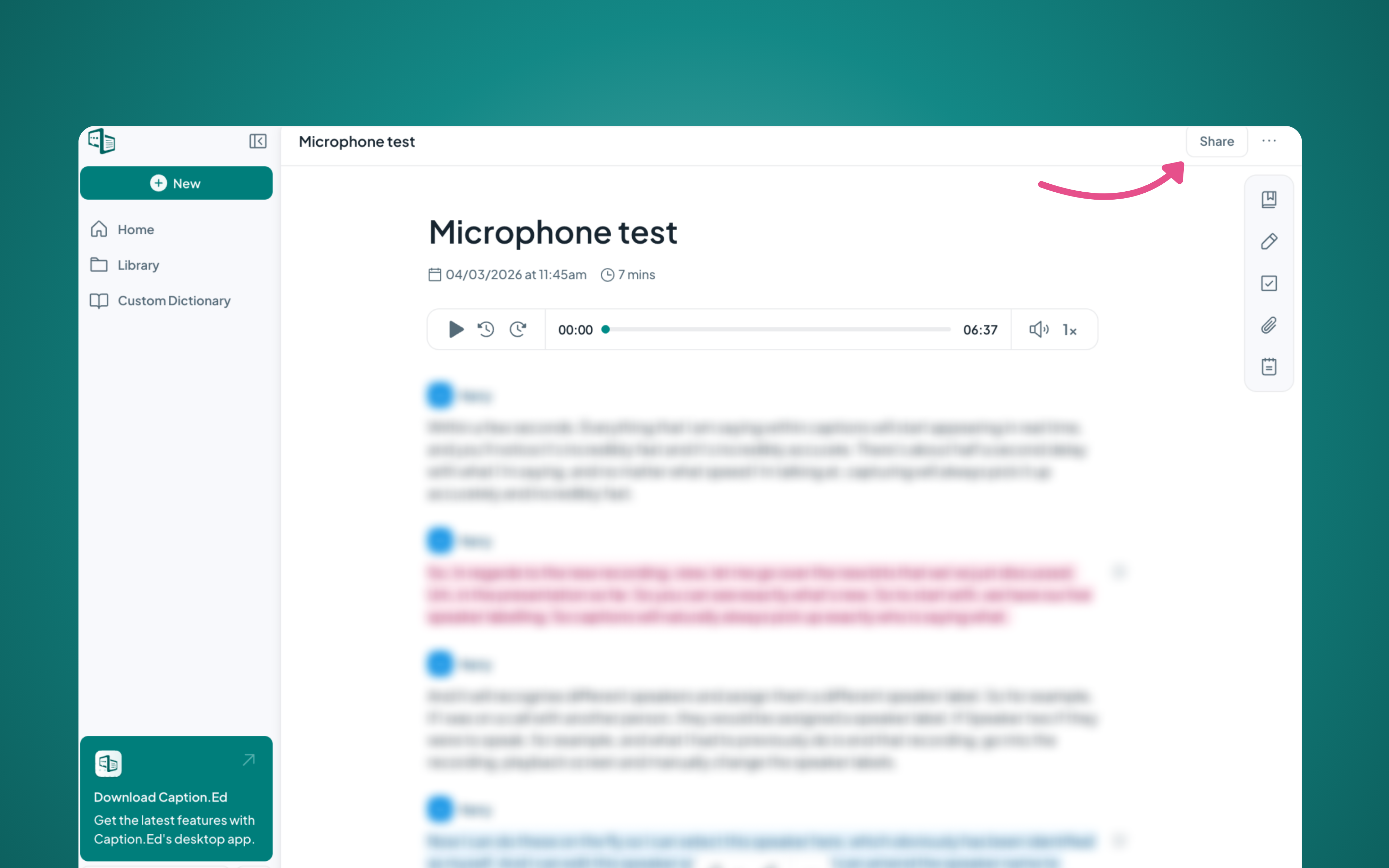
Clicking the share icon will trigger a pop-up, this is where you can access the sharing toggle to share your transcript or revoke sharing permissions.
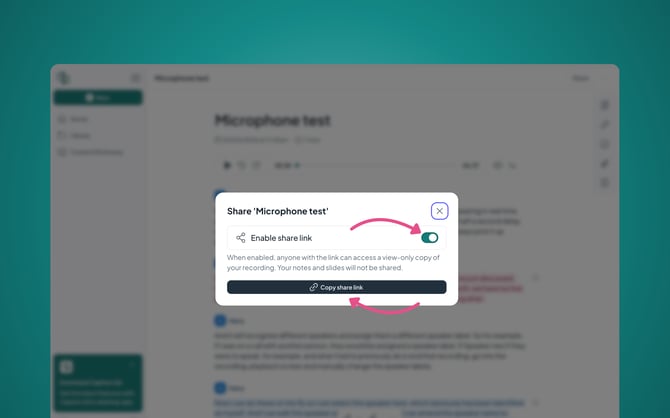
Once enabled you can copy the share link and share this with anyone, other viewers will not need to have Caption.Ed to view the transcription.
Please Note: During live transcriptions, the viewer will only be able to access the transcript. Once the session has ended it will convert to our historic sharing mode and they’ll be able to access the audio from the session