
Caption.Ed can transcribe your pre-recorded media files. This is great for if you’re without an internet connection or just forgot to start a session! Here's how you can upload audio and video files to your Caption.Ed library.
Open up your Caption.Ed in either the browser or the app.
Click on the "Upload" button within Caption.Ed’s home page.
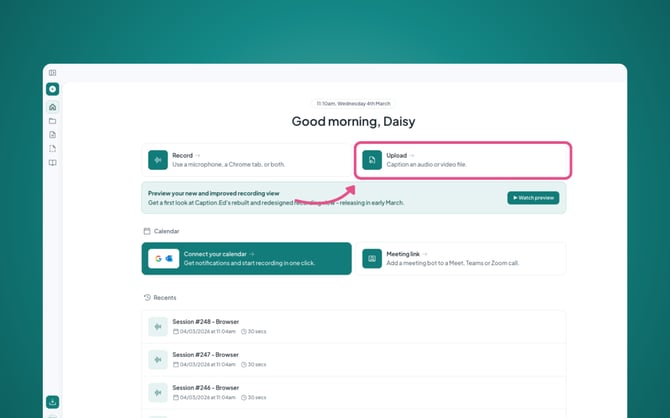
This will take you to a page where you’ll be able to upload the file you wish to upload for transcribing. You will then see the progress of the upload in the bottom right hand corner.
Once available, you can click into your library and view the session.
Please Note: The files we support are .MP3 .MP4 and .MOV. You will need to ensure that your file is one of these file types before uploading.