
Adding new users in CareScribe Admin is easy. First, you must log in to the CareScribe Admin dashboard.
Once you are logged in, you will need to check that you have the available licenses to give to a new user. In the top right-hand corner, you will see a chart showing how many seats have been assigned and how many you have left.
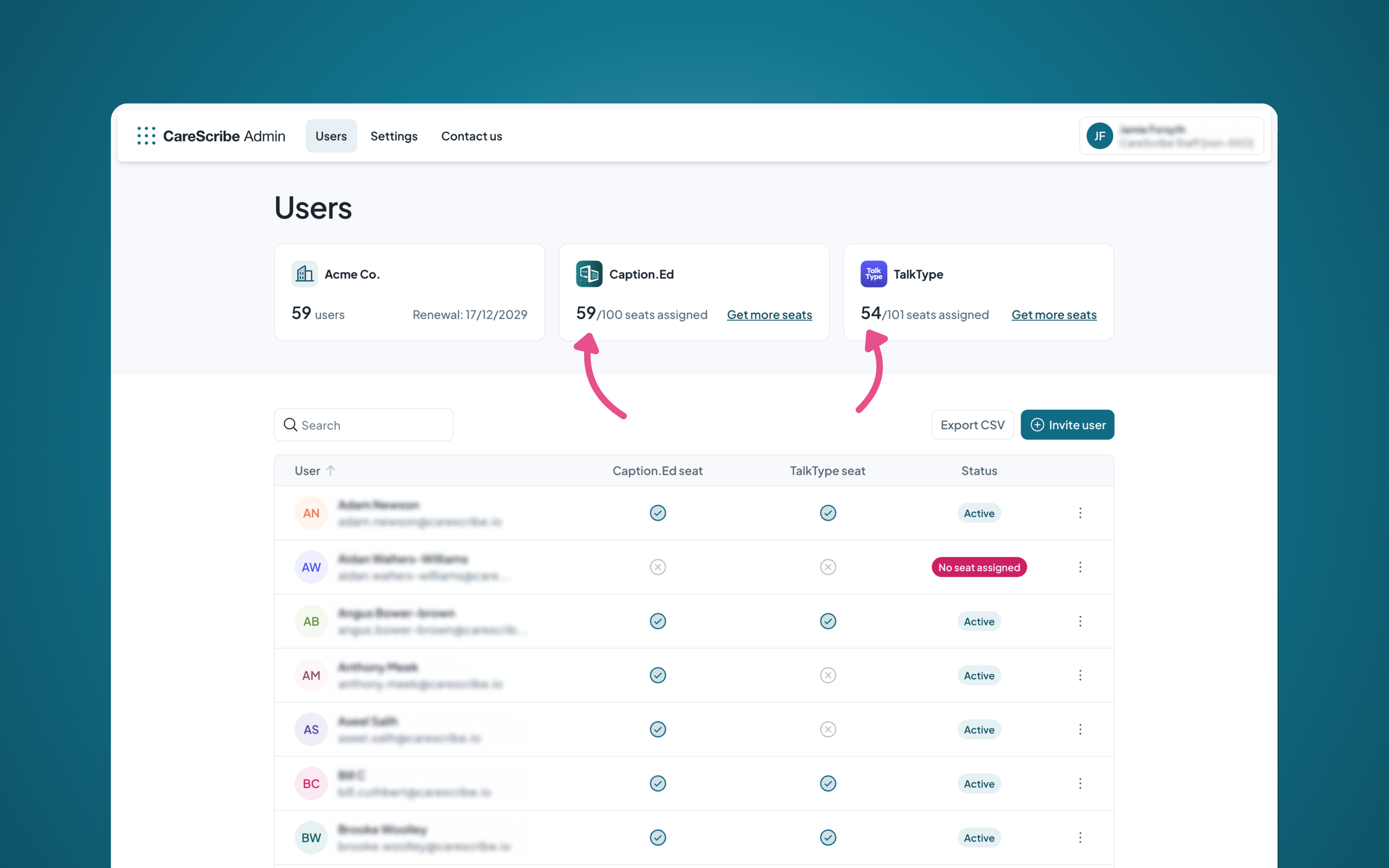
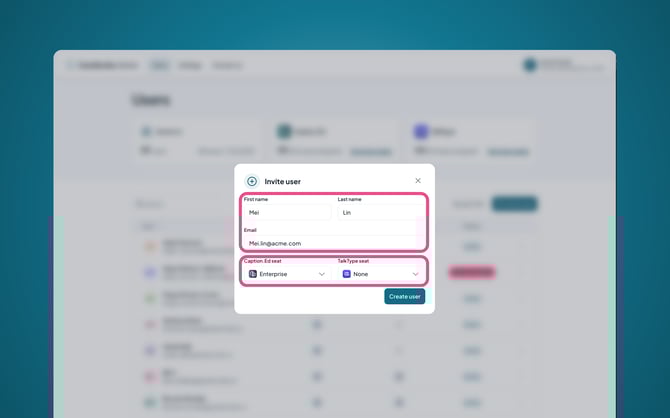
Now, click on the "Invite user" button, which will take you to a form where you can fill out the new user's details. Then, ensure that you assign them a seat to either Caption.Ed or TalkType, depending on the product you want to give.
What do I do if the user already has an account?
If you receive an error that indicates the user already has an account under their email address, please contact your Customer Success Manager or contact our Customer Support team via help@carescribe.io, and we’ll be happy to help!