You can delete a user from CareScribe Admin by logging into CareScribe Admin Dashboard.
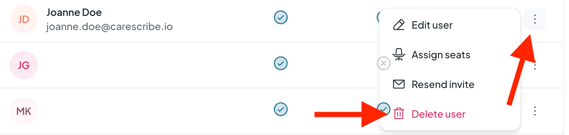
Once you have logged in, find the user in the list of users you see on the screen. On the right-hand side, you will see three dots. When you click on this, a drop-down menu will appear where you can click on the delete button.
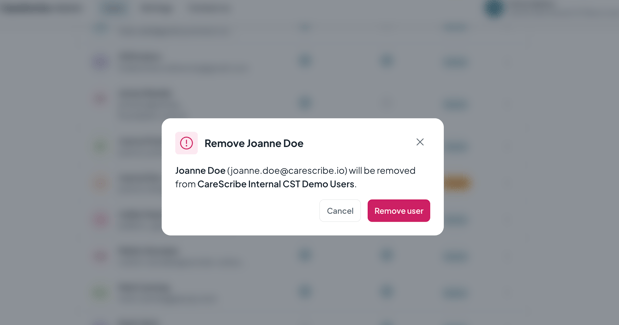
You will then be taken to a pop-up to confirm the user's email address you wish to delete. Once you have confirmed the email address, click "Remove User", and the user's access will be revoked.