
- Open your App Store or Google Play Store
- Search for TalkType within the store
- Tap 'Download', this will appear as 'Open' if you already have the app installed on your device.
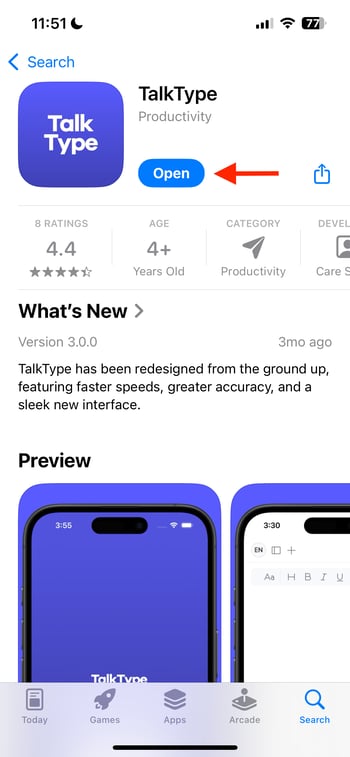
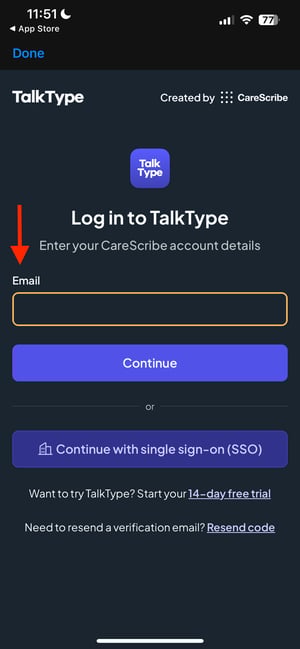
- Once downloaded, open TalkType and tap the 'Login to TalkType' button.

- Here you'll be prompted to enter your email and then your password.
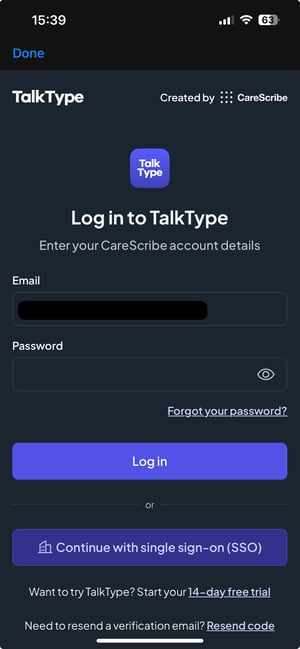
- Once you're logged in, you'll be able to access TalkType on your mobile device.

Please note that TalkType files are stored locally; therefore, you won't be able to access files on your PC on your mobile device and vice versa.