
When you're ready to stop recording, click the green button at the top-right of your recording view. This will take you to the "Broadcast to Space" page.
A "Stop broadcast" button will appear; click it to end the recording.
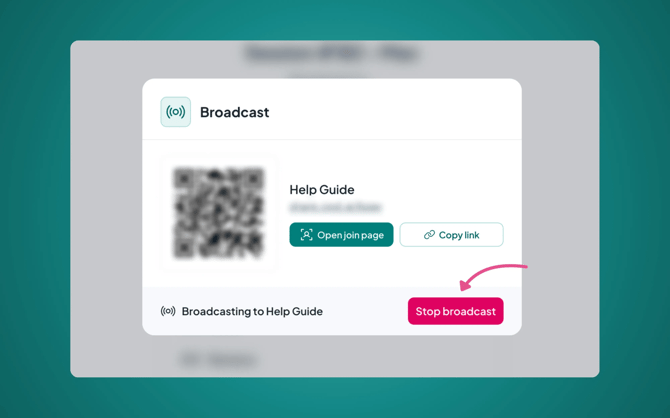
Please note: this will only end your broadcast, your Caption.Ed will continue recording until you end the session from within Caption.Ed