
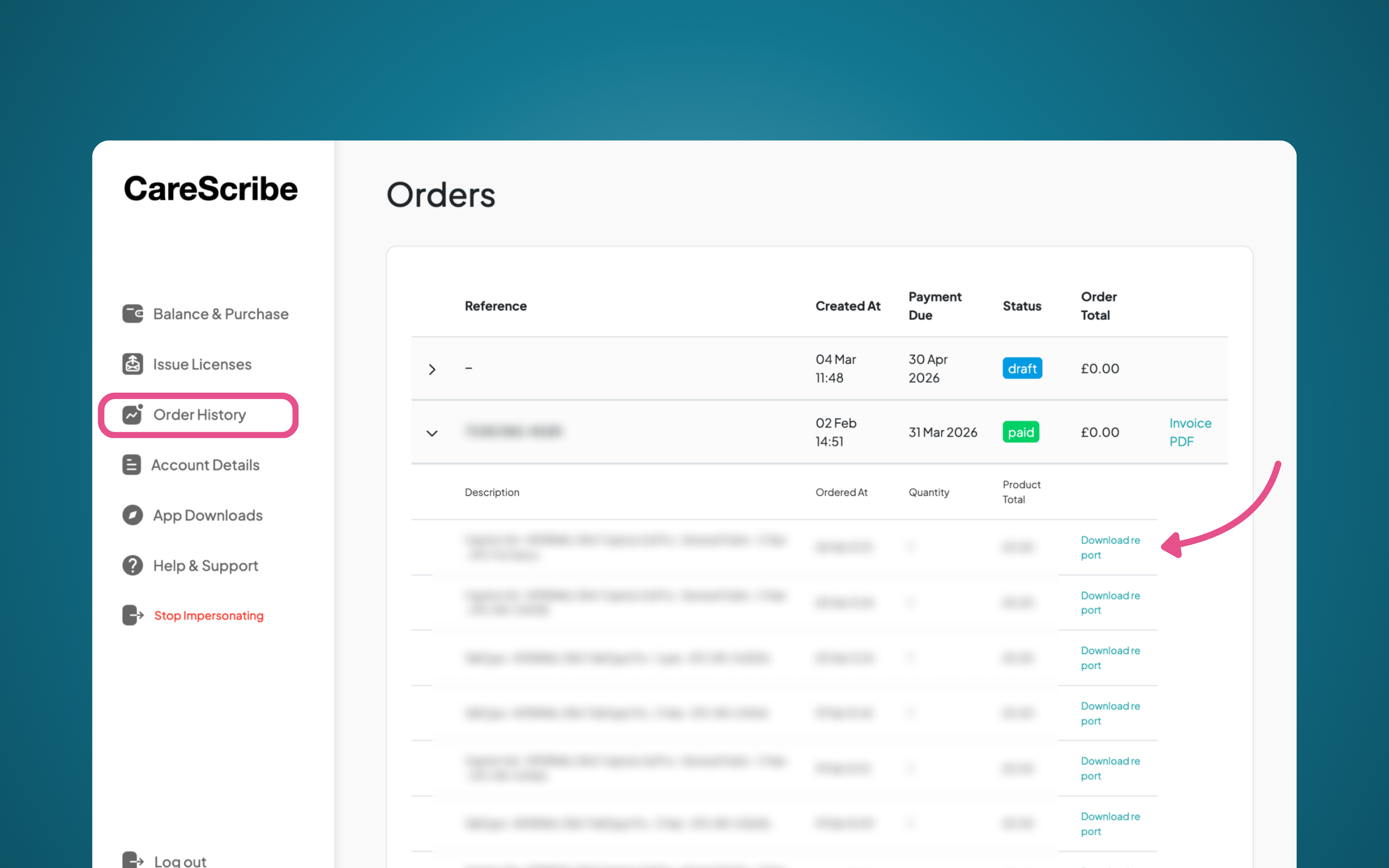
To find the UUID you will need to go to your Order History and find the order that you would like the UUID number for, this will be sorted by the date the orders were created.
To find the UUID number, click on “download report”, this will download a file which will tell you the UUID number, who this was issued to and when.
Tip: If you have your reference number to hand, using CTRL+F (Windows) or command+F (Mac) will bring up a search bar where you can copy this in! This will then highlight what you are searching for.