Windows
First open your settings on your device, you can search for “settings” in the Windows search bar.
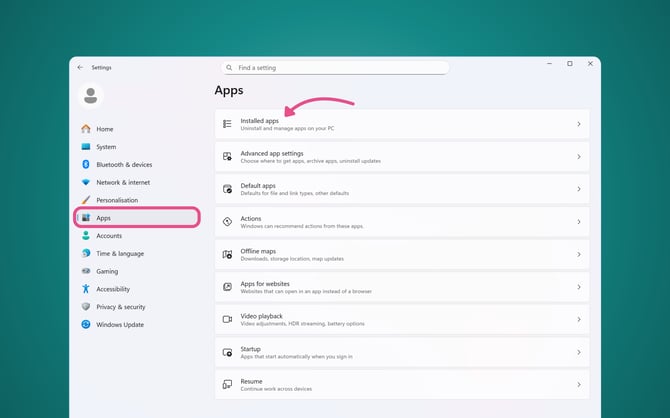
Click into “Apps”
Then, go to “Installed apps” or this may appear as “Apps & features”
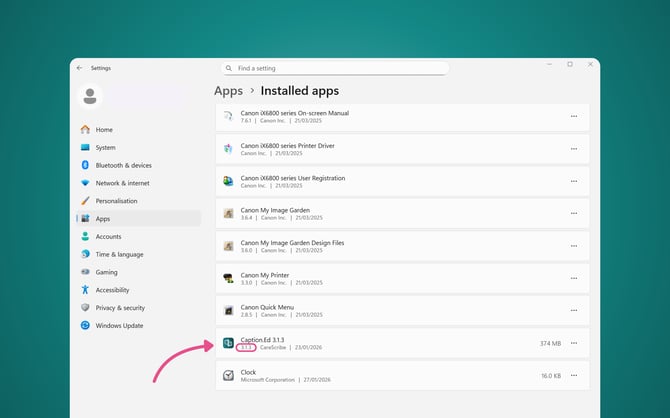
You can then either scroll down to Caption.Ed or use the search bar to locate Caption.Ed.
Here you’ll be able to find the application version in the list, under Caption.Ed.
Mac
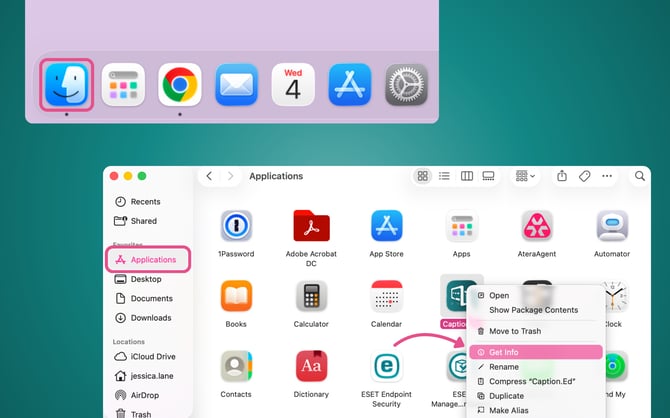
Open your finder, which you’ll be able to find in your task bar.
Go to “Applications” in the left-hand menu.
Locate Caption.Ed and then right-click on the app icon, then click through to “Get Info”.
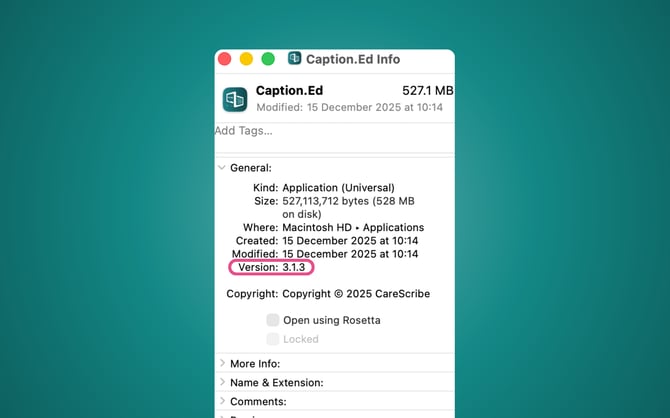
This will open up a pop-up, under “General” you’ll find the version of Caption.Ed you have installed.