On the 18th of February we are stopping compatiblity with the old Caption.Ed app. Please use the following link to get the latest app: Download
Skip to content
  • There are no suggestions because the search field is empty.

How to log into Caption.Ed in the browser

Logging into Caption.Ed

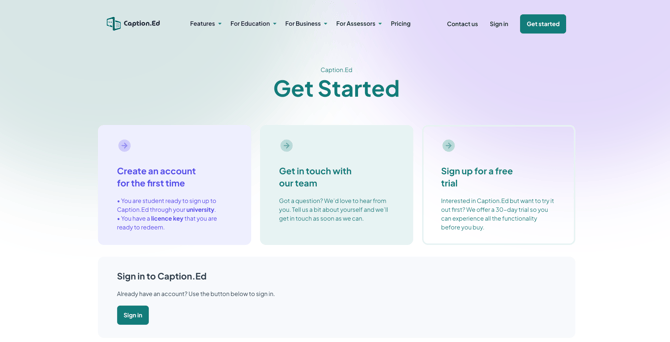
To log into Caption.Ed in the browser, all you need to do is open your Google Chrome, Microsoft Edge, or Safari browser and visit the Caption.Ed website https://caption-ed.com 
How to log into Caption.Ed in the browser


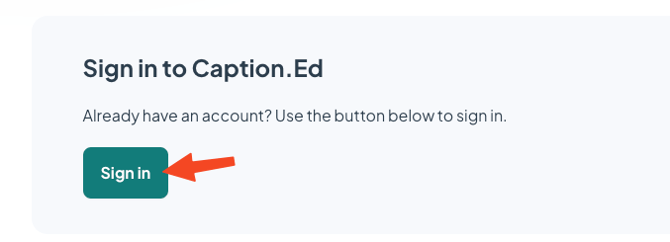
Click the "Sign In" button.

How to log into Caption.Ed in the browser 2

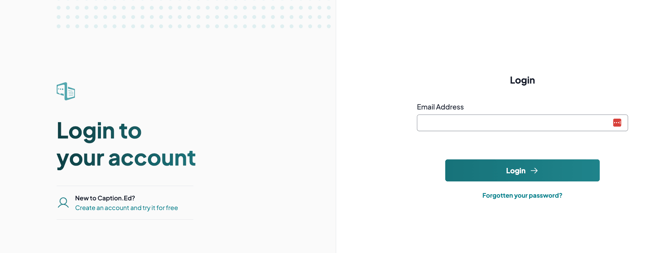
Then, enter your email address and password

How to log into Caption.Ed in the browser 3

Then click Login, and you'll be logged into the Caption.Ed.