
There are a couple of ways in which you can view a broadcast, you can either join via:
- - A short URL
- A QR code
The host of the broadcast can share the meeting ahead of time, which will allow you to wait in a waiting room until the broadcast starts.
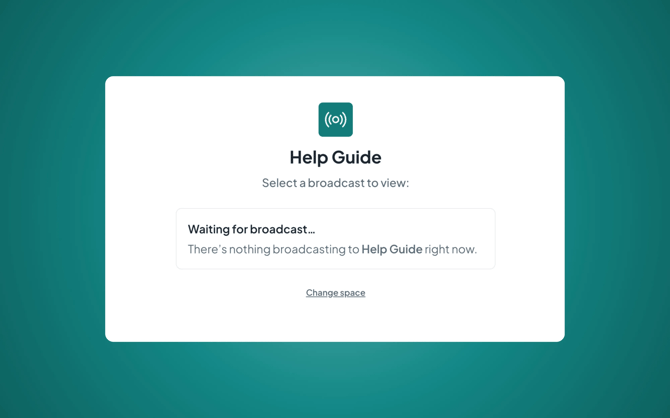
To join via URL, you can copy this into your browser URL bar. You can also type this out if you cannot copy this directly, each URL will start the same, so you can save this to be used for each Space, and then add on the unique code at the end.
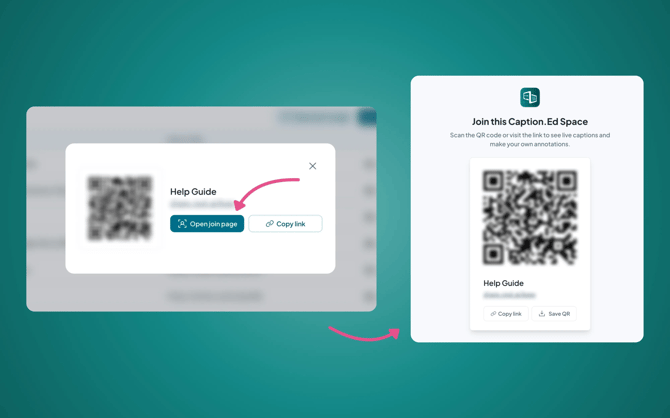
You can also scan a QR code to join a Space. To do this, open the camera app on your mobile device or tablet, and scan the QR code. This will then provide a link for you to click into.
The host can either display the QR code on a screen or print it out for you to be able to scan.