
The latest version of the desktop app is version 3.1.3
We first recommend reading our Minimum System Requirements to make sure your computer meets the standard for our desktop application to work. If your computer doesn't meet these standards, you might experience issues captioning with poor performance, slowness, crashing, and other behaviour.
Once you know your computer meets our minimum requirements, you can visit the Caption.Ed website and choose either the Windows or Mac download file.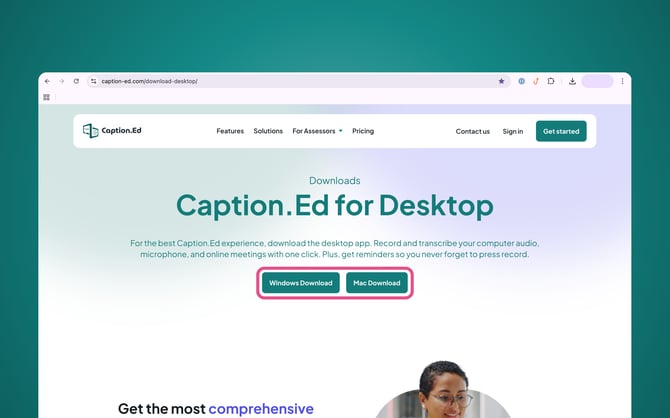
Once the installer file has been downloaded, you can generally find the file in your downloads folder, and you will need to click to open it and follow the on-screen instructions.
You might require your IT team to help you install the application onto your computer. Please reach out to them if you have any issues.
Your IT team may need to deploy Caption.Ed via Microsoft Enterprise Installer, please see our MSI guide for more information.
Please Note: You will need to ensure that the required permissions for Caption.Ed are enabled on your device, these will be your microphone and screen and system audio recording permissions.